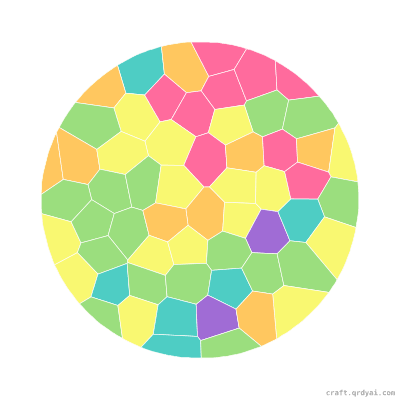
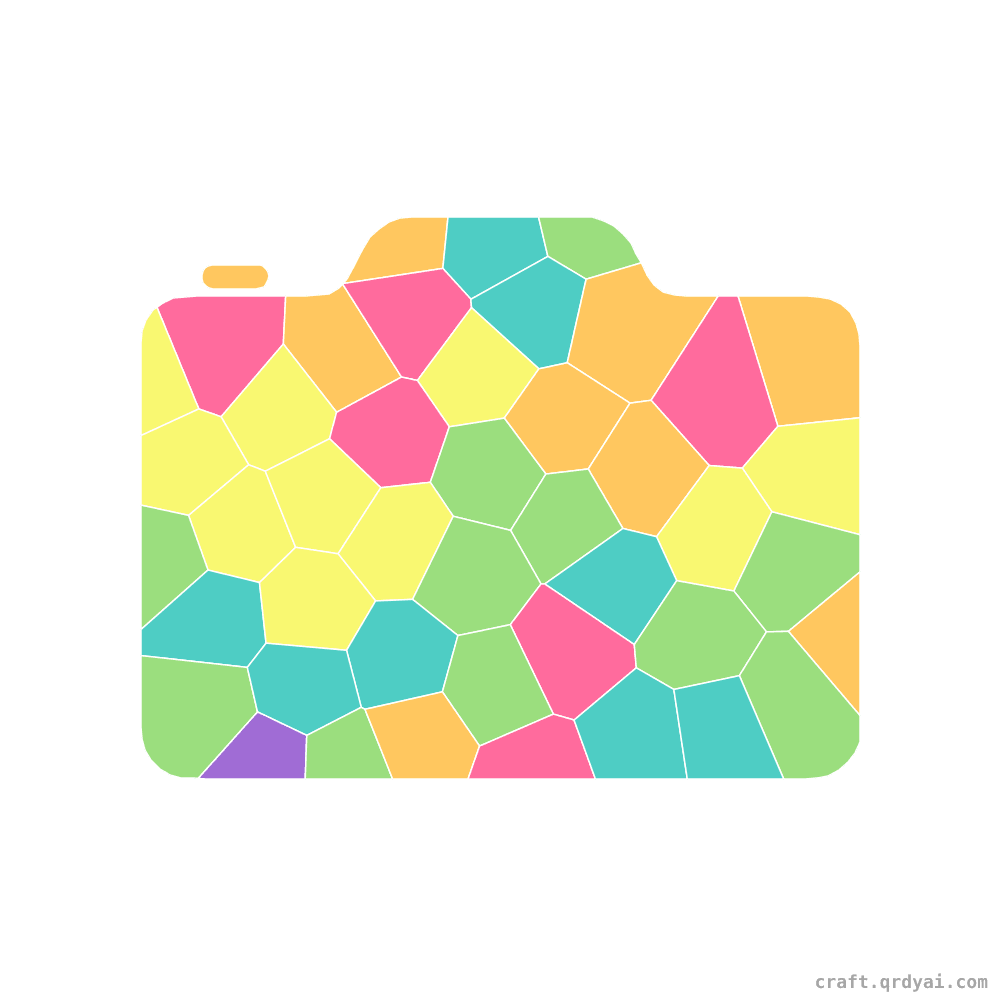
Camera mosaic sticker template — finished art
Shapes

Camera

A retro film camera with a big round lens — an easy shapes mosaic for ages 5 to 7.

Pieces
45
Sticker colors
6 colors

Copies this design into your own studio — pick your palette & difficulty, then download it watermark-free with Pro.

Start playing
Three ways to start — no app, no sign-in.
Play online
Opens full-screen on this device
OR
Scan to play on a phone
Point a phone camera at the code — the game opens right in the browser.
Or send a link to play
craft/mosaic-sticker/play/camera
Anyone with the link can play — using the settings below.
In-game help
The creator chose these hint levels.
Show numbers on cells
Print the matching number in each cell.
Off
Glow the matching cell
Highlight where a sticker goes when you pick it up.
Off
Play offline · Print on paper
PDF with the finished art, the numbered grid, and the sticker color chart — A4.
Each is a ZIP of 3 files (board + sticker sheet + readme). PDF for print shops, PNG for home printers / online sticker services.
#camera#film camera#photography#retro camera#gadget#paint by number#mosaic sticker#kids craft

About this template

Say cheese with a camera! Its boxy body and round lens make a bold, friendly gadget to fill in. Great for ages 5 to 7, it plays online with drag-and-drop pieces or prints as a mosaic sticker sheet. Use black and silver for the body with a shiny blue-tinted lens and a little red button on top.

How to play

1

Print the PDF

Five A4 pages — cover, finished art, numbered grid, sticker sheet, color legend.

2

Take to a print shop

The bundle ships with a stickers-print-and-cut.pdf — any decal shop with a Roland or Mimaki machine kiss-cuts the stickers for you.

3

Stick by number

Each cell holds a number — peel the matching sticker and place it in.

4

Show it off

Hang it on the fridge or frame it as a gift.