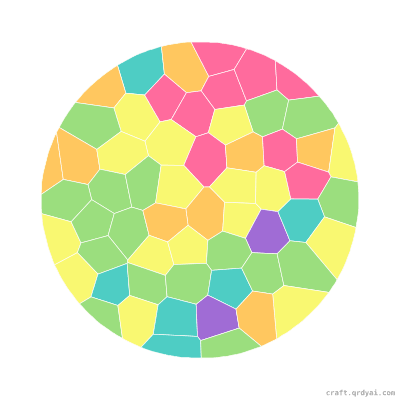

Ice Cream Cone
A double-scoop ice cream cone in sweet candy colors — a quick, cheerful summer mosaic sticker that beginners aged 5 and up can finish in one happy sitting.
Copies this design into your own studio — pick your palette & difficulty, then download it watermark-free with Pro.
About this template
A classic double-scoop cone, built for warm afternoons. This mosaic sticker pairs a golden waffle cone with two rounded scoops in cheerful candy colors, so kids can go strawberry-and-mint or invent their own flavors with the palette picker. It's a quick, beginner-friendly set for ages 5 and up — big pieces, a small, sweet palette, and an instantly recognizable shape that comes together in one happy sitting. Parents create it in seconds (Candy and Pastel both look delicious here), then print the numbered sticker sheet or hand it off to play online. A perfect rainy-summer-day or ice-cream-social craft.
How to play
Print the PDF
Five A4 pages — cover, finished art, numbered grid, sticker sheet, color legend.
Take to a print shop
The bundle ships with a stickers-print-and-cut.pdf — any decal shop with a Roland or Mimaki machine kiss-cuts the stickers for you.
Stick by number
Each cell holds a number — peel the matching sticker and place it in.
Show it off
Hang it on the fridge or frame it as a gift.