Scissors
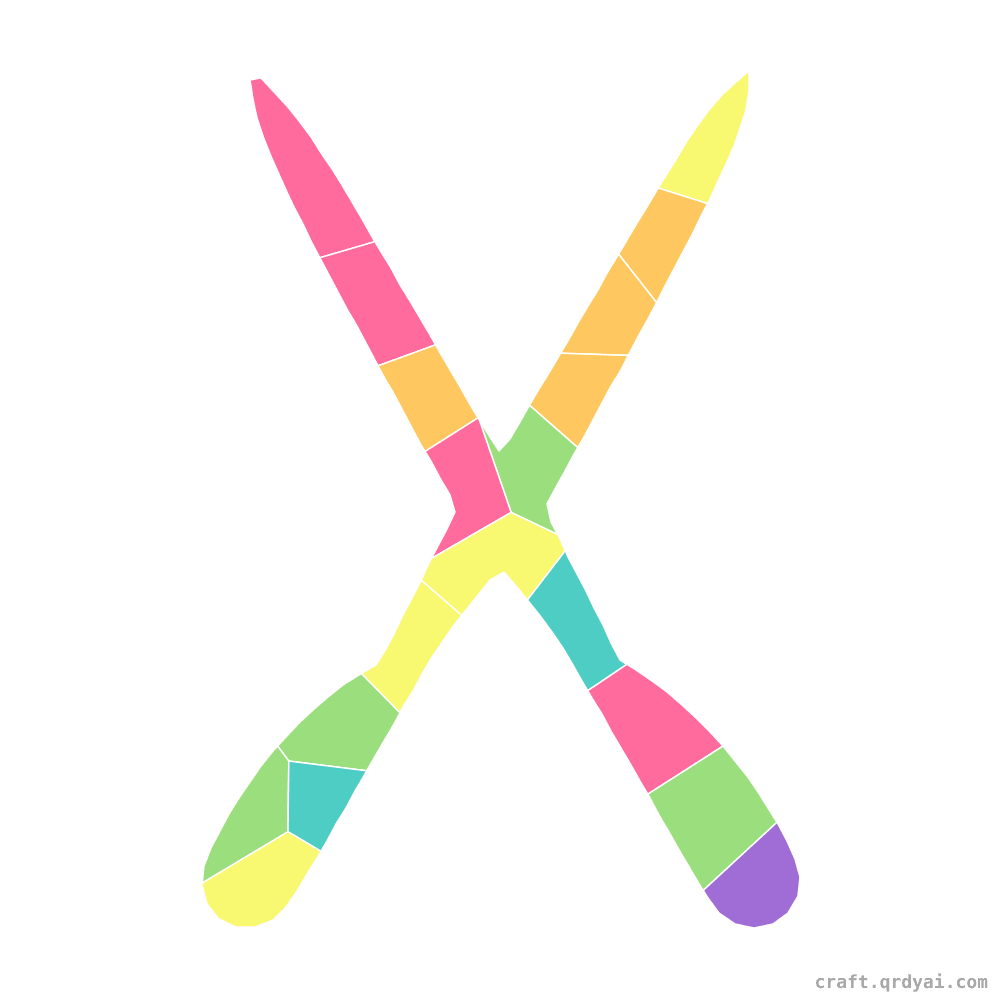
A handy pair of scissors mosaic sticker with open blades and loop handles — an easy back-to-school shape for crafters ages 5 and up.
Copies this design into your own studio — pick your palette & difficulty, then download it watermark-free with Pro.
About this template
Get ready for class with a trusty pair of scissors! The pointed blades and round handle loops make a clear, easy-to-fill shape — a great back-to-school pick. This easy build fits ages 5–7. Play online with drag-and-drop tiles or print the sticker sheet for hands-on fun. Silver blades with bright colored handles make these school scissors pop.
How to play
Print the PDF
Five A4 pages — cover, finished art, numbered grid, sticker sheet, color legend.
Take to a print shop
The bundle ships with a stickers-print-and-cut.pdf — any decal shop with a Roland or Mimaki machine kiss-cuts the stickers for you.
Stick by number
Each cell holds a number — peel the matching sticker and place it in.
Show it off
Hang it on the fridge or frame it as a gift.